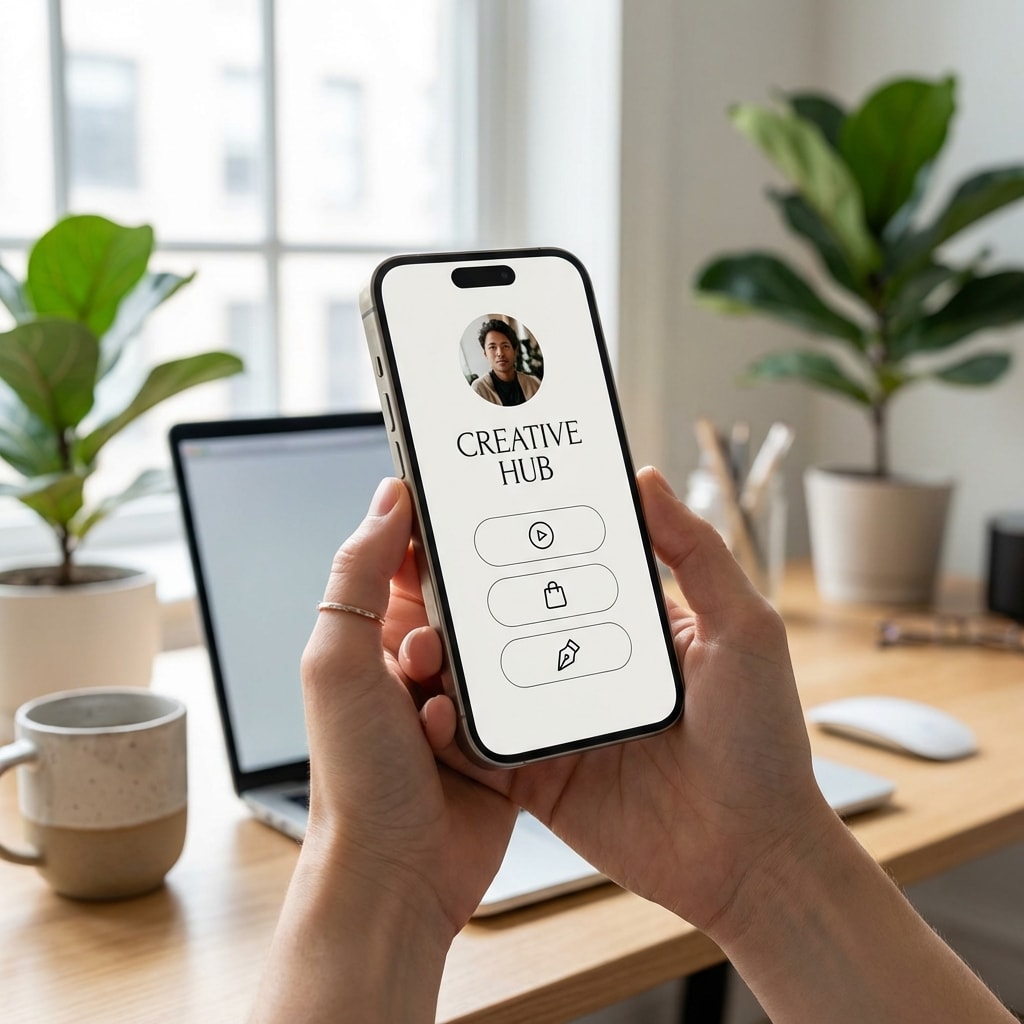
Link in Bio: How to Optimize Your Instagram and TikTok Link in 2026
The complete guide to transforming your Instagram and TikTok bio link into a conversion machine. Discover the 2026 strategies that actually work.
The bio link. Those few words that appear under your username on Instagram and TikTok might be the most valuable piece of digital real estate you own in 2026. And yet, most creators and businesses are completely wasting this potential.
An analysis of bio link conversion data reveals something fascinating: accounts that properly optimize their bio link see an average of three times more conversions than those settling for a generic link. Three times. That's not a marginal improvement—it's a paradigm shift.
But here's the problem: in 2026, the game has changed. It's no longer just about putting a link somewhere and hoping people click. It's become a science in its own right, with its own rules, specialized tools, and pitfalls to avoid.
Why Your Bio Link Probably Isn't Converting
Let's start with an uncomfortable truth. If you're still using a basic solution for your bio link, you're leaving money on the table. A lot of money.
The fundamental problem with most bio links is simple: they create friction. Every time a user has to leave Instagram or TikTok, navigate to a link page, then click again to access your actual content, you're losing prospects. 2026 data shows that about 60% of users abandon at the first step of this journey.
But there's something even more insidious: the in-app browser. When someone clicks your bio link in TikTok or Instagram, it opens in a browser internal to the app. This browser is notoriously problematic. It doesn't maintain login sessions, it blocks certain features, and most importantly, it creates a frustrating user experience.
Imagine this: a user discovers your product on Instagram, clicks your bio link, arrives at your store, adds an item to their cart, and at checkout... they're asked to log in. Except their credentials don't work in the Instagram browser. They abandon. You just lost a sale.
The Evolution of Link in Bio in 2026
Three years ago, the "link in bio" concept was relatively simple. You had one link, usually to your website or latest YouTube video. Then Linktree came along and popularized the idea of a landing page with multiple links.
Today, the industry has entered the "link in bio 3.0" era. It's no longer just a collection of links. It's become a sophisticated micro-landing page, optimized for conversion, with capabilities most people don't even suspect.
The most advanced creators are now using their bio links for:
Direct appointment booking without leaving the social app. Product purchases with integrated payment. Email collection with automated lead magnets. Smart routing based on user geolocation. A/B testing to optimize conversion rates.
And here's the kicker: they're doing all this without spending hundreds of dollars a month on expensive tools.
The Real Technical Requirements in 2026
Let's get technical for a minute, because this matters. TikTok and Instagram have different rules for bio links, and knowing them can make the difference between success and failure.
On TikTok, the situation is pretty clear. If you have a personal account, you need 1,000 followers to unlock the clickable link in your bio. It's a frustrating threshold for new creators, but it's reality. The solution? Switch to a business account. It's free, and it gives you immediate access to bio link, regardless of your follower count.
Instagram, on the other hand, offers the bio link to everyone, but with one crucial limitation: a single link. This is precisely why bio link management tools have become so popular.
But here's what most guides won't tell you: not all bio link tools are created equal, especially when it comes to handling the in-app browser problem.
Deep Linking: The Technology That Changes Everything
Deep linking is probably the most underestimated and powerful feature available for bio links in 2026. And frankly, it's criminal that so few creators use it.
Here's how it works: instead of simply opening a URL in Instagram or TikTok's in-app browser, a deep link automatically detects if the user has the native app installed on their phone and opens it directly. No intermediate browser. No login problems. Just a smooth experience from social app to destination app.
Let's take a concrete example. You're a creator promoting an Amazon product. Without deep linking, here's what happens:
- User clicks your Instagram bio link
- It opens in the Instagram browser
- They land on Amazon.com in that browser
- Amazon doesn't recognize their session
- They have to log in again
- The experience is so frustrating they abandon
With deep linking:
- User clicks your Instagram bio link
- The Amazon app opens directly
- They're already logged in
- They can purchase in two clicks
The conversion difference? On average, links with deep linking convert 300% better. That's not a typo. Three hundred percent.
The problem? Most popular bio link tools don't support deep linking. Linktree, for example, in its standard version, doesn't offer it. You're paying for a feature that's actually costing you conversions.
H0p: Rethinking Link in Bio from A to Z
This is exactly the problem H0p aims to solve. Looking at the bio link tool market raises a fundamental question: "Why is this so expensive? Why are essential features locked behind premium plans at $30 or $50 per month?"
H0p offers all the professional features you actually need for $5.99 per month. Deep linking included. Unlimited custom domains included. Advanced analytics included. Customizable QR codes included. No upselling, no features hidden behind "enterprise" plans at $199 per month.
More importantly, H0p was built with a different philosophy. Users shouldn't have to spend hours configuring a link page. The goal is to create, optimize, and deploy a bio link strategy in minutes.
The feature that impresses H0p users most? Smart routing. A single short link can automatically redirect users to different destinations based on their geographic location, operating system, or even their language.
A practical example: you're an international creator selling physical products. With H0p, you create a single link - h0p.co/shop - and configure rules:
- Users in the United States go to your Amazon US store
- Users in Europe go to your Amazon EU store
- iOS mobile users go directly to the App Store
- Android users go to the Play Store
One link. Dozens of possible destinations. Zero friction for the user.
Concrete Strategies That Work in 2026
Now, let's talk strategy. Having the right tool is good, but knowing how to use it is better.
The first golden rule: less is more. It is common to see creators putting 15, 20, sometimes 30 links on their bio page. This is a catastrophic mistake. The data is clear: beyond 5-7 links, each individual link's click-through rate collapses. The audience suffers from choice paralysis.
Instead, think of your bio link as a conversion funnel. You want to guide your audience toward a specific action, not give them a phone directory of possibilities.
Here's a structure that works particularly well for content creators:
- A main CTA (your current flagship offer)
- Your most popular free content (lead magnet)
- Your secondary social networks (2-3 maximum)
- An "About" or portfolio link
That's it. Four links. But these four links are strategically chosen and regularly updated based on your current campaigns.
For e-commerce, the optimal structure is slightly different:
- New collection or current promotion
- Best-sellers
- Categories page
- Customer reviews or social proof
The trick here is to use eye-catching visuals and action-oriented texts. Don't just put "Shop." Put "Fall 2026 New Arrivals - 20% Off." Be specific. Create urgency.
The Criminally Underestimated Importance of QR Codes
Let's talk about a feature that is often ignored: QR codes. Despite their peak during the pandemic, many now think they're outdated. This is a significant oversight.
QR codes are experiencing a second life in 2026, and here's why: they create a perfect bridge between the physical world and your online presence. Doing an event? Put a QR code on your booth that points to your bio link. Have physical products? Stick a QR code on the packaging.
The beauty of modern QR codes is that they can be fully customized. With H0p, you can create a QR code that incorporates your logo, uses your brand colors, and even adds sophisticated gradients. These aren't those ugly black and white squares that nobody wants to scan anymore.
But here's the real secret: dynamic QR codes. Unlike static QR codes, a dynamic QR code points to a short link you can modify after the fact. You print 10,000 flyers with your QR code in January, and in June you can change the destination without reprinting anything.
Analytics: Measuring What Really Matters
You can't improve what you don't measure. It's a marketing cliché, but it's true. The problem with most bio link tools is that they give you either too much data or not enough.
Essential metrics to track for your bio link:
Click-through rate per link: what percentage of visitors click each link? If a link has a click-through rate below 10%, it's taking up space for nothing.
Geography: where do your visitors come from? This information is crucial if you sell physical products or organize events.
Device and OS: how many of your visitors are on iOS vs Android? This data directly influences your deep linking strategy.
Traffic source: are your visitors coming from Instagram, TikTok, or elsewhere? This helps you understand which social network generates the most engagement.
Temporal trends: at what times of day or week do you have the most traffic? Optimize your posts based on these peaks.
With H0p, all this data is available in real-time, with 2-year retention. You can export everything to CSV for more advanced analysis in Excel or Google Sheets.
Fatal Errors to Absolutely Avoid
After analyzing hundreds of bio link pages, several common errors that kill conversions have been identified. The good news? They're all avoidable.
Error #1: Using a Generic Link
Never put "linktr.ee/yourname" in your bio. First, it looks amateur. Second, you're building your presence on someone else's domain. Use a custom domain. If you're a brand, use a subdomain of your main site (links.yoursite.com). If you're a creator, register a short and memorable domain.
Error #2: Forgetting Mobile
98% of your Instagram and TikTok traffic comes from mobile. If your links page takes 5 seconds to load on an iPhone, you've already lost half your visitors. Test your page on different devices. Optimize images. Eliminate heavy scripts.
Error #3: Not Testing
A/B testing isn't reserved for big companies. With the right tools, you can easily test different versions of your link page. Change the order of links, modify texts, test different button colors. Small optimizations accumulate to create big results.
Error #4: Ignoring Security
Some of your links should be protected. If you offer exclusive content to your subscribers, use password protection. If you have a time-limited promotion, use link expiration. These features exist for a reason.
Error #5: Not Updating
Your bio link isn't a static billboard. It should evolve with your content. Launching a new YouTube video? Put it at the top of your link page. Have a flash sale? Temporarily replace your other links. Keep your page fresh and relevant.
AI Tool Integration: The Future Is Now
Few realize it yet, but link management is being revolutionized by AI. This isn't about gimmick features; it refers to real automation that saves hours of work.
H0p is the first link management platform to support the Model Context Protocol (MCP). What does that mean concretely? You can connect H0p to Claude Desktop or ChatGPT and manage your links through simple conversation.
Imagine this: you're creating a new Instagram campaign. Instead of going to the H0p dashboard, manually creating a new short link, configuring deep linking, generating a QR code... you simply tell Claude:
"Create a short link for my new Instagram campaign with deep linking enabled and generate a QR code with my logo."
Two seconds later, it's done. The link is created, the QR code is generated, and you can continue your creative work without interruption.
That's the future of link management. No unnecessary clicks. No complicated interfaces. Just a natural conversation with your AI assistant that handles the technical aspects for you.
Take Action Now
The bio link is no longer just a convenience. In 2026, it's become a central element of your social media conversion strategy. Every creator, every brand, every business with a presence on Instagram or TikTok should treat their bio link with the same seriousness as a website.
The stakes are too important to continue using basic solutions that create friction and cost you conversions. Your audience deserves a smooth experience. Your business deserves professional tools without prohibitive prices.
H0p was built precisely for that: giving creators and businesses the professional tools they need, at a price they can afford. Deep linking, custom domains, advanced analytics, custom QR codes, AI integration - everything you need to transform your bio link into a conversion machine.
For $5.99 per month. With no click limits. No hidden features. No surprises.
The choice is simple: continue losing conversions with basic tools, or invest less than the price of a weekly coffee in a solution that will actually move the needle for your business.
Test H0p free for 7 days. Create your first optimized link. Configure deep linking. Generate a custom QR code. See the difference for yourself.
Your link in bio is the bridge between your content and your conversions. It's time to build a better bridge.